RabbitMQ Cloud Hosting, Managed RabbitMQ SaaS

RabbitMQ cloud hosting provides a simple and reliable way to use RabbitMQ message queues without requiring users to build and manage their infrastructure. It is suitable for applications of all sizes and types and can help developers quickly build reliable messaging systems that can be easily scaled and managed when needed.

Managed Cloud RabbitMQ SaaS Hosting Pricing

It's important to compare the features, pricing, and resources of different plans before deploying RabbitMQ as a service.

Express Plan

4.99/mo
1mo6mo12mo24mo
Free Trial
  • 2 CPU Cores
  • 2GB Memory
  • 60GB SSD Disk
  • 60GB SATA Backup Storage
  • Unmetered Bandwidth
  • Twice per Month Backup
  • On-Demand Backup
  • 24/7 Technical Support

Basic Plan

8.99/mo
1mo6mo12mo24mo
Free Trial
  • 3 CPU Cores
  • 4GB Memory
  • 100GB SSD Disk
  • 100GB SATA Backup Storage
  • Unmetered Bandwidth
  • Twice per Month Backup
  • On-Demand Backup
  • 24/7 Technical Support

Professional Plan

15.99/mo
1mo6mo12mo24mo
Free Trial
  • 4 CPU Cores
  • 8GB Memory
  • 160GB SSD Disk
  • 160GB SATA Backup Storage
  • Unmetered Bandwidth
  • Weekly Backup
  • On-Demand Backup
  • 24/7 Technical Support

Advanced Plan

31.99/mo
1mo6mo12mo24mo
Free Trial
  • 6 CPU Cores
  • 16GB Memory
  • 240GB SSD Disk
  • 240GB SATA Backup Storage
  • Unmetered Bandwidth
  • Weekly Backup
  • On-Demand Backup
  • 24/7 Technical Support

8 Features of RabbitMQ Hosting as a Service

Cloud Clusters RabbitMQ is cheap, flexible in configuration, easy to manage, high in security, and quick in technical support.
24/7 Technical Support

24/7 Technical Support

Cloud Clusters provides round-the-clock technical support to help you resolve any issues related to managed RabbitMQ hosting.
Cloud Hosting

RabbitMQ Cloud Hosting

Hosting RabbitMQ on a cloud server ensures reliable and accessible project management from anywhere with an internet connection.
Rapid Deployment

Rapid Deployment

Deploy your managed RabbitMQ in just a few minutes with the one-click installation, getting it ready immediately.
Integration and Protocol Support

Integration and Protocol Support

RabbitMQ hosting supports various messaging protocols, such as AMQP, STOMP, and MQTT.
Ease of Setup

Ease of Setup

RabbitMQ hosting eliminates the need for users to install and configure RabbitMQ software. It provides a hassle-free setup process that allows users to start their projects quickly.
Backup and Restore

Backup and Restore

Weekly or biweekly backup service included. You can also manually back up data at any time to avoid data loss problems.
Data Migration

Data Migration

Cloud Clusters offers cross-data center data migration services, enabling users to easily move their data from one data center to another.
99.9% Uptime Guarantee

99.9% Uptime Guarantee

There is only a maximum of 8.76 hours of unavailable time per year, covering service interruptions caused by hardware, network, and power failures.

Secure RabbitMQ Hosting Cloud Server

RabbitMQ hosting provides secure data storage and backup mechanisms to ensure the security and reliability of user data. Users can access their projects through a web browser and communicate and collaborate with team members in real time.
Container Technology

Container Technology

Compared to shared hosting, RabbitMQ SaaS uses Docker container technology to isolate and protect each instance, enhancing security.
Firewall Protection

Firewall Protection

Cloud Clusters configures a firewall to limit the IP addresses and ports for external access to the application and prevent unauthorized access.
SSL Encryption

SSL Encryption

Cloud Clusters will protect the data transmission through the SSL encryption protocol to prevent data from being eavesdropped or tampered with.
DDoS Protection

DDoS Protection

RabbitMQ as a service utilizes a professional DDoS protection system that can detect and filter malicious traffic, protecting websites from DDoS attacks.

Easy-to-Use Control Panel to Manage RabbitMQ SaaS

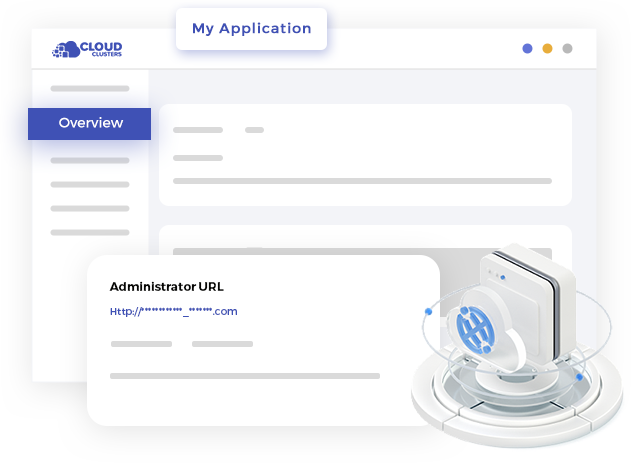
A control panel is an essential component of a user-friendly RabbitMQ as a service, as it allows users to manage their applications and hosting environment easily.

Integrate Management UI

The integrated management UI provides a range of capabilities for efficient RabbitMQ administration. You can easily monitor queues, exchanges, and bindings, view message rates and queue depths, and analyze overall system health.

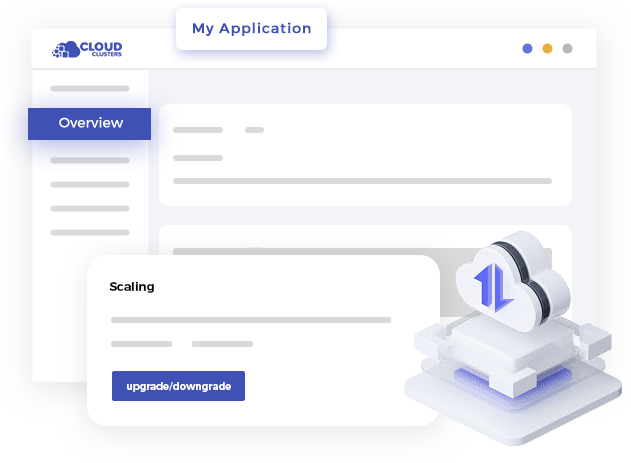
Extended Resources

Users can easily upgrade or downgrade services in the Control Panel. This flexibility can help users quickly adapt to changes and save additional costs when application requirements change.

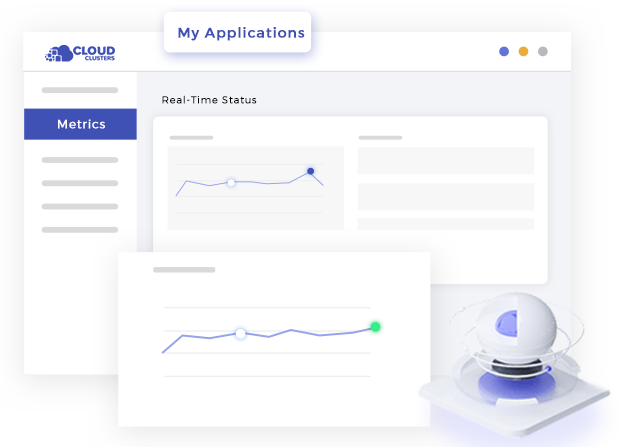
Performance Monitoring

Control panel provides real-time performance monitoring function of RabbitMQ so that you can identify and solve problems in time and improve application performance.

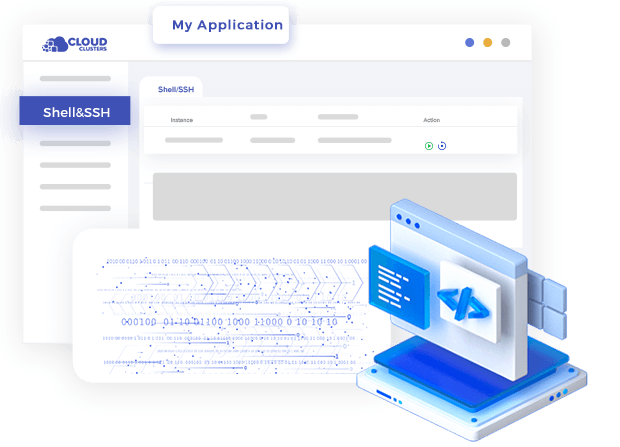
Command Line Tool

Support web shell remote access methods, enabling users to conveniently perform command line operations, file transfers, and remote operations, and easily remotely manage and maintain servers and applications.

Easy-to-Use Control Panel for Elasticsearch as a ServiceEasy-to-Use Control Panel for Elasticsearch as a ServiceEasy-to-Use Control Panel for Elasticsearch as a ServiceEasy-to-Use Control Panel for Elasticsearch as a Service

4 Steps to Start a Managed RabbitMQ Web Hosting

By using managed RabbitMQ hosting, users can leverage the power of RabbitMQ project management software without having to host or manage the infrastructure themselves.
Register and Place an Order

Register and Place an Order

Follow the registration process, provide the necessary details, and complete any payment or subscription requirements to start your free RabbitMQ hosting trial.
Configure and Deploy RabbitMQ

Configure and Deploy RabbitMQ

Once you place an order successfully, cloud clusters will automatically deploy the RabbitMQ instance for you within five minutes, and you can visit the management panel to view the details.
Connect to RabbitMQ

Connect to RabbitMQ

After deploying a RabbitMQ instance, you can view the connection information, such as host address, port, and authentication credentials in the dashboard. Use this information to establish a connection to RabbitMQ from your application or system.
Support and Maintenance

Support and Maintenance

Install the appropriate client library or SDK for your programing language or messaging protocol. Then publish and consume messages, create queues and exchanges, and implement your messaging patterns.
Rabbitmq VPS

Hosting RabbitMQ 3.11 Community

RabbitMQ Community Edition is a free open-source version of RabbitMQ, contributed and maintained by the RabbitMQ community. It is the most basic version of RabbitMQ, intended for individual users, developers, and small teams.

RabbitMQ Community Edition provides core message queuing functionality, including reliable messaging, multiple messaging modes (such as point-to-point and publish/subscribe), routing, and switches. It supports multiple messaging protocols, such as AMQP, STOMP, and MQTT, enabling different types of clients to communicate with RabbitMQ.

What is RabbitMQ Hosting or RabbitMQ SaaS Used for?

Managed RabbitMQ hosting provides a powerful and flexible messaging infrastructure that facilitates reliable communication, decoupling of components, scalability, and efficient distribution of workloads across a variety of software systems and architectures.

Message Queuing

RabbitMQ hosting provides a reliable and scalable platform for implementing message queues. Message queues allow decoupling of components in a system, enabling asynchronous communication and ensuring reliable delivery of messages between different parts of an application or between multiple applications.

Event-Driven Architecture

RabbitMQ hosting is often used in event-driven architectures, where components communicate through events. Events can be published to RabbitMQ exchanges, and interested components can subscribe to these events by creating bindings to the appropriate queues.

Scalability

RabbitMQ hosting allows for horizontal scalability. Multiple instances of the RabbitMQ server can be set up to handle high message throughput, resources can be expanded at any time. This ensures efficient utilization of resources and improved system performance.

Microservice Architecture

In a microservice architecture, RabbitMQ hosting can be used to enable communication and coordination between various microservices. Each microservice can have its own message queue, allowing them to communicate asynchronously and independently, increasing the modularity and flexibility of the system.

Task Distribution

RabbitMQ hosting can be used for task distribution and workload balancing in distributed systems. Workloads can be divided into smaller tasks which can be placed in RabbitMQ queues. Worker processes can then consume these tasks from the queue and execute them, effectively distributing the workload among multiple worker processes.

Integration and Interoperability

RabbitMQ hosting supports various messaging protocols, such as AMQP, STOMP, and MQTT. This allows for seamless integration and interoperability with different systems and technologies that support these protocols. It supports communication between applications written in different languages or deployed on different platforms.

FAQs of Managed RabbitMQ Hosting, RabbitMQ as a Service

What is RabbitMQ hosting?

RabbitMQ hosting is a service that hosts and manages RabbitMQ message queues on the provider's infrastructure. It allows users to deploy and operate RabbitMQ without setting up and maintaining their own servers.

What are the benefits of using RabbitMQ cloud?

Some of the benefits of using RabbitMQ in the cloud include simplified operations, auto-scaling, high availability, and easier deployment and management via cloud platform services. We encourage to take advantage of our free RabbitMQ hosting trial to experience all the benefits before you commit to a subscription.

Can I migrate on-premises RabbitMQ deployments to the cloud?

Yes, it is possible to migrate existing on-premises RabbitMQ deployments to the cloud. This process typically involves setting up a new RabbitMQ instance in the cloud, migrating data, and reconfiguring the application to use the cloud-based RabbitMQ.

What level of support does the RabbitMQ hosting offer?

Cloud Clusters offers 24/7 support such as ticket-based support, live chat, and even dedicated one-on-one service. Both our free RabbitMQ hosting and paid hosting service can enjoy the 24/7 tech support.

What is RabbitMQ cloud?

RabbitMQ cloud is to use the RabbitMQ message system in the cloud environment, and deploy RabbitMQ through hosting services or on the cloud platform.

What is a managed RabbitMQ as a service?

Managed RabbitMQ as a service is a cloud-based product that handles the management and maintenance of the RabbitMQ server infrastructure by Cloud Clusters, allowing users to focus on using and configuring RabbitMQ.

How does RabbitMQ cloud ensure high availability?

RabbitMQ in the cloud can achieve high availability through technologies such as clustering, replication, and fault-tolerant configuration. These mechanisms ensure message durability and availability, even in the event of a failure.
Is RabbitMQ as a service secure?

RabbitMQ as a service prioritizes security measures to protect your data and messages. Cloud Clusters implement the best security practices such as container technology, firewall, SSL Encryption, and DDoS Protection.

Other Cloud Apps Similar to RabbitMQ Hosting

There are several message queue (MQ) systems that are similar to RabbitMQ hosting in terms of providing hosted services for messaging and streaming data.