







Pricing of Affordable VPS with Windows 10/11 Hosting Plans
The pricing of Windows 10/11 VPS Hosting plans can vary depending on several factors, including the amount of allocated resources, the level of performance, and additional features. Additionally, pricing models include hourly, monthly, or annual payment options.
Hot Sale
Express Windows Desktop VPS
$ 4.00/mo
Save 42% (Was $6.99)
1mo3mo12mo24mo
Order Now- 4GB RAM
- 2 CPU Cores
- 60GB SSD Disk Space
- 100Mbps Unmetered Bandwidth
- Once per 4 Weeks Backup
- 1 Shared IP
- Windows 10/11
- No Setup Fee
Express Plus Windows Desktop VPS
$ 7.99/mo
1mo3mo12mo24mo
Order Now- 6GB RAM
- 3 CPU Cores
- 100GB SSD Disk Space
- 100Mbps Unmetered Bandwidth
- Once per 4 Weeks Backup
- 1 Shared IP
- Windows 10/11
- No Setup Fee
Hot Sale
Basic Windows Desktop VPS
$ 7.20/mo
Save 44% (Was $12.99)
1mo3mo12mo24mo
Order Now- 8GB RAM
- 4 CPU Cores
- 140GB SSD Disk Space
- 200Mbps Unmetered Bandwidth
- Once per 4 Weeks Backup
- 1 Shared IP
- Windows 10/11
- No Setup Fee
Basic Plus Windows Desktop VPS
$ 12.99/mo
1mo3mo12mo24mo
Order Now- 12GB RAM
- 6 CPU Cores
- 180GB SSD Disk Space
- 200Mbps Unmetered Bandwidth
- Once per 4 Weeks Backup
- 1 Shared IP
- Windows 10/11
- No Setup Fee
Professional Windows Desktop VPS
$ 15.99/mo
1mo3mo12mo24mo
Order Now- 18GB RAM
- 8 CPU Cores
- 240GB SSD Disk Space
- 300Mbps Unmetered Bandwidth
- Once per 2 Weeks Backup
- 1 Dedicated IP
- Windows 10/11
- No Setup Fee
Hot Sale
Professional Plus Windows Desktop VPS
$ 21.59/mo
Save 40% (Was $35.99)
1mo3mo12mo24mo
Order Now- 24GB RAM
- 8 CPU Cores
- 280GB SSD Disk Space
- 300Mbps Unmetered Bandwidth
- Once per 2 Weeks Backup
- 1 Dedicated IP
- Windows 10/11
- No Setup Fee
Advanced Windows Desktop VPS
$ 31.99/mo
1mo3mo12mo24mo
Order Now- 28GB RAM
- 10 CPU Cores
- 320GB SSD Disk Space
- 500Mbps Unmetered Bandwidth
- Once per 2 Weeks Backup
- 1 Dedicated IP
- Windows 10/11
- No Setup Fee
Advanced Plus Windows Desktop VPS
$ 51.99/mo
1mo3mo12mo24mo
Order Now- 32GB RAM
- 16 CPU Cores
- 400GB SSD Disk Space
- 500Mbps Unmetered Bandwidth
- Once per 2 Weeks Backup
- 1 Dedicated IP
- Windows 10/11
- No Setup Fee
If you need a Windows Server 2016, 2019, 2022, or 2025 operating system, please click here to view the available options.
Features of VPS Server with Windows 10/11
Users can leverage the robust features of Windows 10/11 for a wide range of applications, from development and testing environments to hosting websites and running Windows-specific applications.
24/7 Free Tech Support
Professional and experienced, our VPS with Windows 10/11 hosting experts will provide managed technical services with high quality via live chats/emails around the clock.
99.9% Uptime Guarantee
There is only a maximum of 8.76 hours of unavailable time per year, covering service interruptions caused by hardware, network, and power failures.
Scalability
Users have the flexibility to scale up or down their resources, enabling them to adjust their VPS performance based on changing requirements.
Regular Data Backup
We practice our data security by the monthly data backup in the SSD. The lost data can be retrieved from the latest backup if needed.
Remote Desktop Access
Users can easily access their VPS with Windows 10/11 via Remote Desktop Protocol (RDP), connect to it from anywhere, and conveniently get their own desktop environment and applications.
High Availability
Windows 10/11 VPS operates around the clock, providing users with continuous access to their virtual environment, ensuring high availability of their applications and services.
Resource Isolation
Each VPS runs in an isolated environment with its own dedicated CPU, RAM, storage, and bandwidth, ensuring its performance is not affected by other VPSs.
Compatibility
A Windows 10/11 VPS supports most Windows applications, making it ideal for development, testing, website hosting, business software, and more.
Easy-to-Use Control Panel to Manage Windows 10/11 VPS
When managing a Windows 10/11 VPS (Virtual Private Server), having an easy-to-use control panel can greatly enhance the user experience. A user-friendly control panel simplifies the process of configuring, monitoring, and maintaining the VPS.

One-Click Installs
Provide one-click installation options for common applications and services. This simplifies the process of setting up software on the VPS without requiring users to manually configure each component.

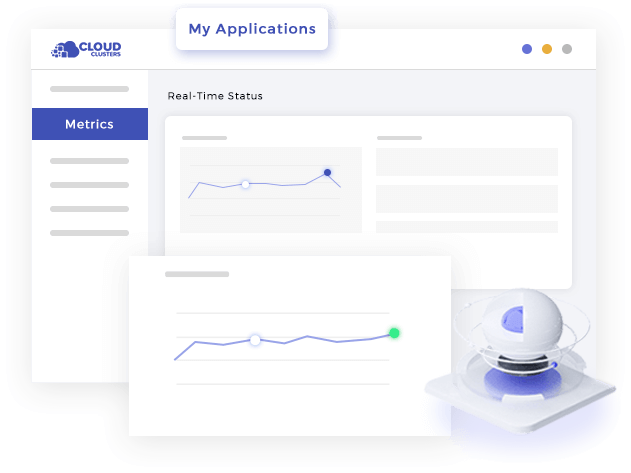
Resource Monitoring
Include real-time resource monitoring tools that display CPU usage, memory consumption, disk space, and network activity. Graphs and charts can make it easy for users to understand resource utilization at a glance.

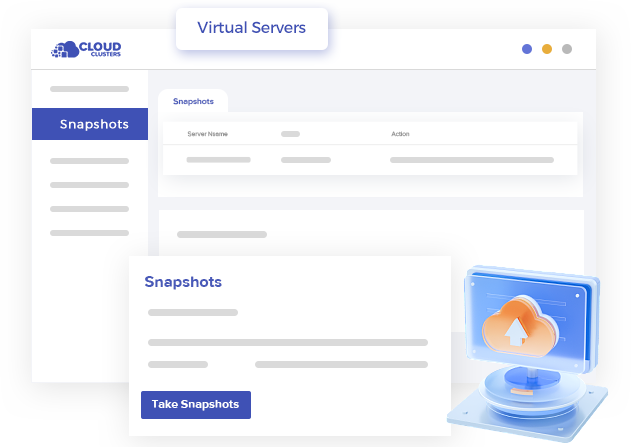
Backup and Restore Options
Incorporate easy-to-use backup and restore features. Users are able to schedule regular backups, and restoring should be a straightforward process, ensuring data safety.

User Account Management
Allow users to manage their accounts easily, including password changes, user additions, and role assignments. This is particularly important for multi-user environments.

Intuitive Interface
The control panel has a clean and intuitive interface, making it easy for users to navigate and find the features they need. Icons, menus, and organization should be clear and user-friendly.

Security Settings
Include security settings and tools within the control panel, such as firewall configuration, IP whitelisting, and SSL certificate management. Simplify the process of securing the VPS environment.
Security and Access Control for Windows 10/11 VPS
It is very important to ensure the security and access control of your Windows 10/11 VPS, especially when the server hosts sensitive data or is used for business purposes.
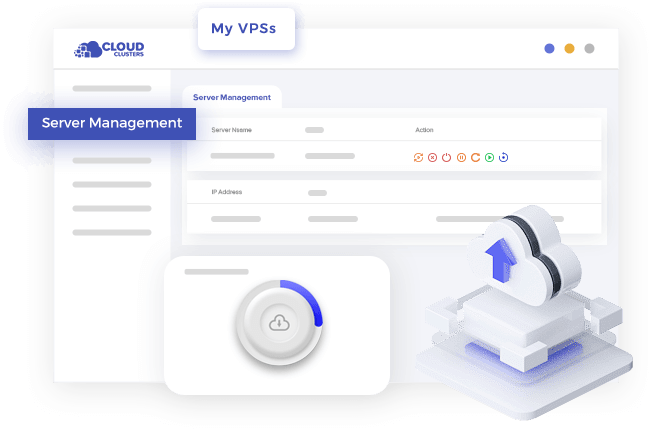
Reboot and Power Management
The Control Panel allows users to remotely power on, power off, and power cycle cloud VPS server through the web interface.
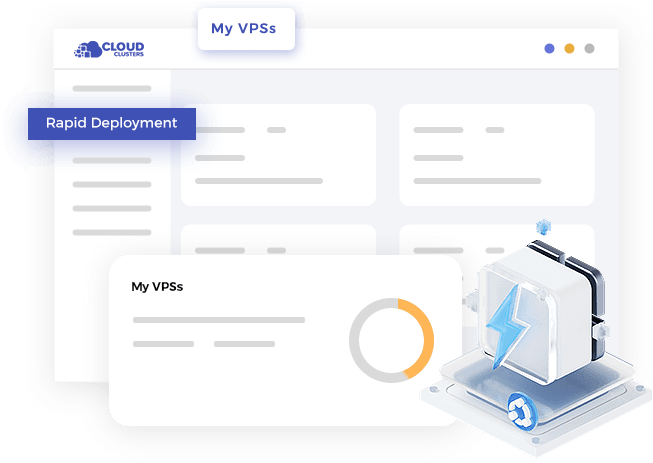
Rapid Deployment
Reinstall the System
Running Status

Advantages of Windows 10/11 VPS Server Hosting
User-friendliness: Windows 10/11 is a popular desktop operating system with an intuitive and easy-to-use user interface.
Broad App Compatibility: Windows 10/11 supports many common commercial and open-source applications, especially those designed for the Windows platform.
RDP: Windows 10/11 comes with a powerful remote desktop service that allows users to easily access and manage VPS servers through a graphical user interface (GUI).
Windows-specific Application: For users who need to run Windows-specific applications, such as some professional graphic design, video editing software, etc., Windows 10/11 VPS provides more direct support without considering compatibility issues.
Easy to Learn and Deploy: For novices, the familiarity and ease of use of the Windows interface make deploying applications on VPS servers easier.
Active Updates and Support: Microsoft actively provides updates and security patches for Windows 10/11, ensuring that your system is always up-to-date and secure.
Developer Tools and Environment: Windows 10/11 provides a wide range of developer tools and integrated development environments (IDEs) to facilitate developers to develop and test applications.
Usage Scenarios of VPS Server Windows 10/11
Windows 10/11 VPS Hosting is a versatile solution suitable for a variety of different application scenarios, providing flexibility and customizability to meet the diverse needs of users and businesses.
Development and Testing Environment
Developers can use Windows 10/11 VPS as their development and testing platform. This environment provides a similar user experience to the desktop version of Windows 10/11, making the development and testing process more flexible and convenient.
Remote Working
Windows 10/11 VPS can serve as a secure remote working solution. Users can connect to their VPS via remote desktop from anywhere and access their desktop environment and applications for more flexible work.
Website and Application Hosting
For users who need to run websites and applications based on the Windows platform, Windows 10/11 VPS provides a reliable hosting environment. This applies to ASP.NET applications, IIS websites, and other Windows-related technologies.
File Storage and Sharing
VPS server Windows 10/11 can be used as a hub for file storage and sharing. By configuring file sharing and access control, multiple users can securely share and collaborate on files
Database Server
VPS server Windows 10/11 can be used as a platform to run database servers such as Microsoft SQL Server. This is ideal for applications and websites that need to use specific database technologies in a Windows environment.
Game Server
For gaming enthusiasts and online gaming communities, Windows 10/11 VPS can be used as a platform to host game servers. This configuration provides a high degree of flexibility and control.
Virtual Desktop Infrastructure (VDI)
Windows 10/11 VPS can be used to set up a virtual desktop infrastructure to provide independent virtual desktop environments for multiple users. This is helpful for providing a unified desktop experience and managing computing resources for multiple users.
Professional Application Running
Windows 10/11 VPS can be used to run professional applications that require a Windows environment, such as graphic design, video editing software, etc.
Education and Training
Academic institutions and corporate training departments can use Windows 10/11 VPS to provide a unified training environment for students or employees to learn and practice.
FAQs of Windows 10/11 VPS Server Hosting
What is Windows 10/11 VPS Hosting?
Windows 10/11 VPS Hosting is running the Windows 10/11 operating system in a virtualized environment. It allows users to rent and utilize virtualized instances of Windows 10/11 for various computing needs.
What are the typical use cases for Windows 10/11 VPS Hosting?
Common use cases include development and testing environments, remote office solutions, hosting websites and applications, running Windows-specific applications, game servers, and more.
How does Windows 10/11 VPS Hosting differ from dedicated hosting?
In Windows 10/11 VPS Hosting, multiple virtual servers share the resources of a physical server, providing cost-effective and scalable solutions. Dedicated hosting, on the other hand, involves leasing an entire physical server exclusively for one user.
What virtualization technologies are commonly used for Windows 10/11 VPS Hosting?
Common virtualization technologies include Hyper-V, KVM, and others, which create isolated virtual instances of Windows 10/11 on a dedicated server.
Can I access my VPS server Windows 10/11 remotely?
Yes, users can remotely access their Windows 10/11 VPS using tools like Remote Desktop Connection. This allows for convenient management and usage from any location.
What resources can be customized in a VPS server Windows 10/11?
Users can customize resources such as CPU cores, memory (RAM), disk space, and network bandwidth based on their specific requirements.
Is Windows 10/11 VPS Hosting suitable for hosting websites?
Yes, Windows 10/11 VPS can be used to host websites, especially those that require Windows-specific technologies like ASP.NET or applications that run on Internet Information Services (IIS).
How is billing usually structured for Windows 10/11 VPS Hosting?
Billing is based on resource usage, allowing users to pay for the specific resources (CPU, RAM, storage) they consume. This pay-as-you-go model provides flexibility and cost-effectiveness.
What security measures should be taken for a VPS server Windows 10/11?
Security measures include regularly updating the operating system, using strong passwords, implementing firewalls, enabling encryption, and employing access controls to restrict unauthorized access.
Can I install and run custom applications on a VPS server Windows 10/11?
Yes, users have the flexibility to install and run custom applications based on their specific requirements and use cases.
How is technical support handled for VPS server Windows 10/11?
Technical support is usually provided by the hosting provider, offering assistance with issues related to the virtual server, connectivity, and general troubleshooting.
What backup options are available for VPS server Windows 10/11?
Users are encouraged to implement regular backups of their data. Many hosting providers offer backup services, and users can also configure their backup solutions to ensure data integrity and recovery options.